I have not taken a test yet, but I am pretty sure I have COVID. Not a fan.
March 2023: No former President has ever been indicted before. No one knows what to expect.
August 2023: Which of his resorts is hosting the arraignment party?
I sometimes have to remind myself that I have very rarely regretted a decision to reduce scope of an app or feature.
Exciting day. I bought a car, although I don’t have it yet. And I had the fire department at my house.
All is well. I had a carbon monoxide detector go off, but the problem is just that the carbon monoxide detector went bad.
I am in the process of trying to buy a used car, and I am exasperated by the communication skills of some sellers. Basic things like having an appointment scheduled to look at a car, but needing to ask numerous times for the address.
Customer Satisfaction Survey: Are you likely to recommend us to others? If not, why?
Me: No, because…
Customer Satisfaction Survey: Can we quote you in our marketing materials?
Me: 🤣
I went to WaterFire tonight in Providence, Rhode Island.

Congratulations to @harshil@mastodon.social on the launch of Peak, an app that lets you build your personal fitness dashboard.
I finally got a chance to check out Polar Park.

Learn Swift Boston has a special guest presentation slated for August. That’s over a month away, but why not grab your spot now and put it on your calendar! Come see Mira and Curtis give an intro to dynamic programming, a popular interview topic at FAANG and others. And you don’t need to be in Boston - it’s all online!
App Store Connect: Inability to Process Builds of a Mac App Compiled and Uploaded With Xcode 14.3.1 or Xcode 15
#I spent the last three days troubleshooting an issue submitting a Mac app to App Store Connect. The problem appears to be triggered by a subtle change between Xcode 14.3.0 and Xcode 14.3.1. I have this issue when using Xcode 14.3.1 and Xcode 15. My temporary workaround is to submit the app using Xcode 14.3.0. I reported this as FB12418390:
Submitting a storyboard-based Mac app where the default Window Controller Scene and View Controller Scene are removed from the default storyboard results in an inability of the app to be processed by App Store Connect.
App Store Connect processing works as expected when the app is compiled and submitted with Xcode 14.3.0, but not with Xcode 14.3.1 or the current Xcode 15 beta releases. After submitting such an app with Xcode 14.3.1 or later, the upload appears to work. But then I get an email saying that processing failed because of an invalid signature (ITMS-90238) and because sandboxing is not enabled (ITMS-90296).
To reproduce:
-
Create a storyboard-based Mac app with Xcode.
-
Take the necessary steps to submit it to App Store Connect (icons, provisioning profiles, etc). But there is no need to add any functionality to the app.
-
Submit to App Store Connect. Observe that the app can be submitted and processed as expected.
-
Open the storyboard file and remove the Window Controller Scene and View Controller Scene. Leave only the Application Scene with the Application, App Delegate, Font Manager, and First Responder.
-
Increment the build number.
-
Resubmit to App Store Connect.
Expected result: The app can be uploaded and processed as expected.
Actual result: This works as expected with Xcode 14.3.0. When built and uploaded with Xcode 14.3.1 and Xcode 15.0 beta 2 (15A5161b), the app can be uploaded but I get an email saying that processing failed because of an invalid signature (ITMS-90238) and because sandboxing is not enabled (ITMS-90296).
I can also reproduce this with the attached sample project. If I submit this to App Store Connect using Xcode 14.3.1 or Xcode 15.0 beta 2 (15A5161b) it fails as described above.
I believe this to be a very serious problem. It took me 3 days of trial and error to determine what was triggering the App Store Connect processing failures. I do not know if it is common to remove the default Window Controller Scene and View Controller Scene from the main storyboard. I tend to do this because I like windows to have their own storyboard files. I use the default storyboard just to configure menus in the menu bar.
At the New Hampshire Fisher Cats game.

Widgets and Content Margins
#If you have an app with widgets, be sure to check how the widgets look after compiling with Xcode 15.
The new .widgetContentMargins are a nice addition, but I found adopting them in a way that allows the widgets to continue working well under iOS 16 to be a significant undertaking.
The new .contentMarginsDisabled() modifier on WidgetConfiguration is supposed to do nothing on iOS 16, but it makes the widget extension crash on iOS 16. Here is a modifier you can use instead:
extension WidgetConfiguration {

    func `contentMarginsDisabledOnNewOperatingSystem`() -> some WidgetConfiguration {
        if #available(iOSApplicationExtension 17.0, *) {
            return self.contentMarginsDisabled()
        } else {
            return self
        }
    }

}
Since .contentMarginsDisabled() is applied at the WidgetConfiguration level, .contentMarginsDisabled() cannot apply to just one size of a widget.
Seen while out walking.

App: You are not letting me send notifications to your device.
Me: Correct.
He was indicted again. ⚖️
I had a great Design Lab session with Apple earlier today. My app will be better because of their suggestions.
My trusty iPhone X will not run iOS 17, so I got an iPhone 13 mini.
I really like the physical size and feel of this device.
Looks like the prop 2 1/2 override passed! @mitch
We had a special election in my city today. It was a proposition 2 1/2 override (a quirky Massachusetts thing). I worked at the polls. I am excited to catch up on WWDC news.
Merged a pull request with three weeks’ worth of work. 🎉
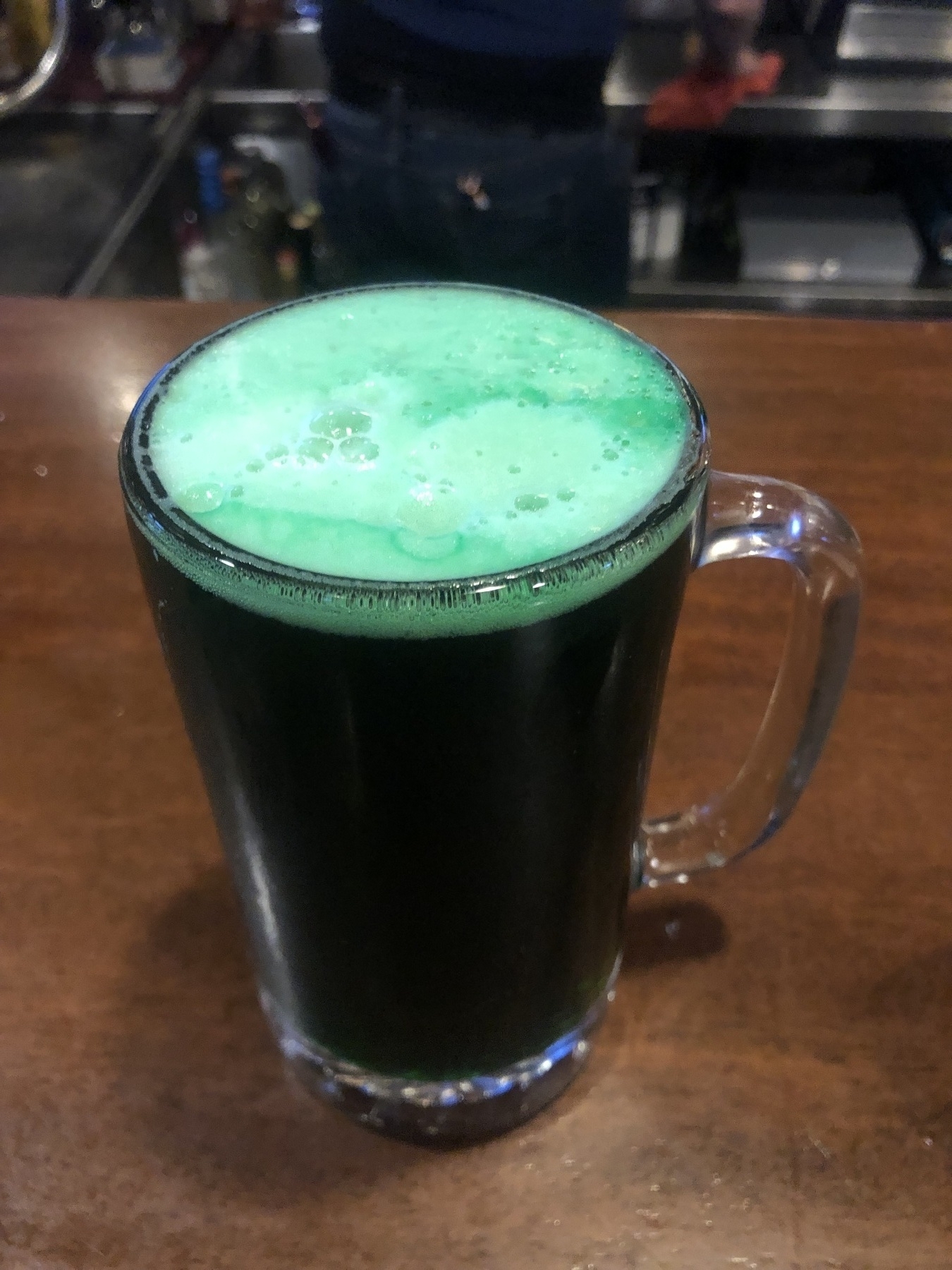
It’s Saint Patrick’s Day Somewhere.

Good article by Edward Loveall (edward@indieweb.social): Let’s Make Sure Github Doesn’t Become the only Option